

Description
Download My Commander – Free File Manager for Windows, Mac, Android & iOS
Effortless File Management with My Commander – A Game-Changer for Windows Users
In the ever-evolving digital landscape, managing files efficiently has become more critical than ever. Whether you're a student, professional, or tech enthusiast, the right file management tool can significantly boost productivity. Enter My Commander – a free, open-source file manager designed specifically for Windows users, but with growing support across platforms including Mac, Android, and iOS. With its sleek dual-pane interface and intuitive design, My Commander redefines how you interact with your files. Unlike the standard Windows Explorer, My Commander offers a powerful, customizable experience that caters to both beginners and advanced users.
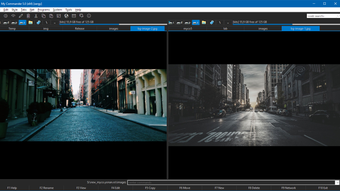
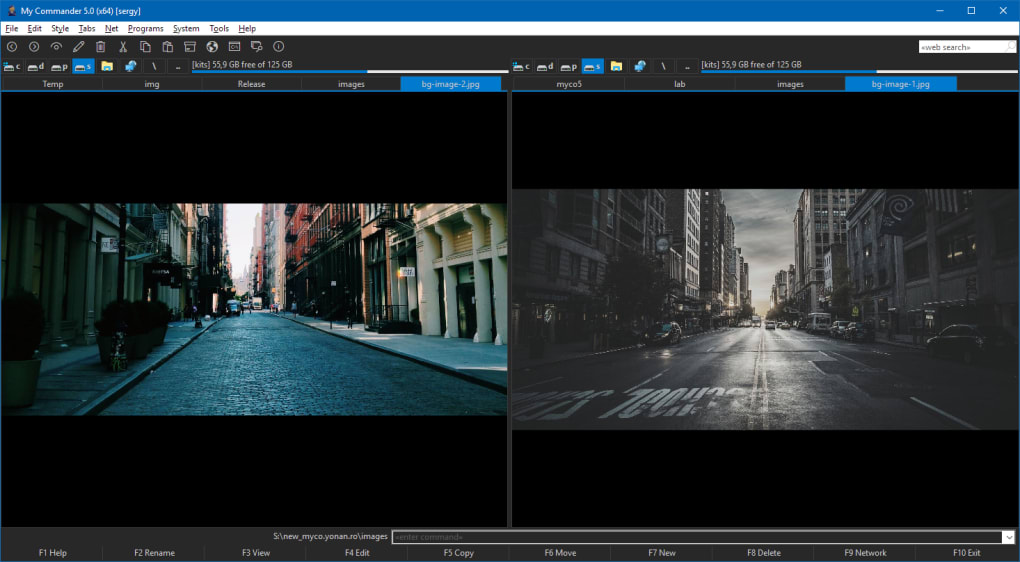
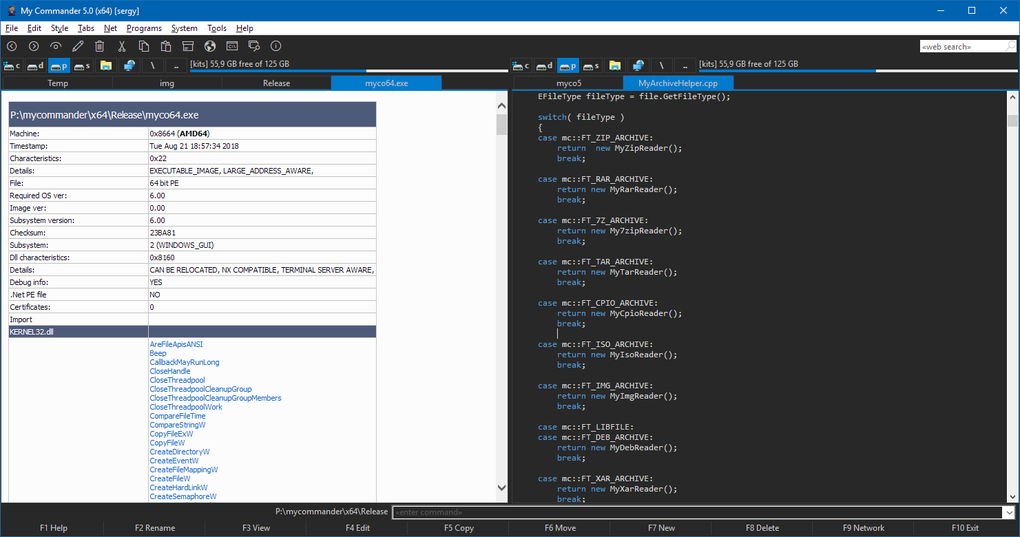
One of the standout features of My Commander is its dual-pane layout, which allows you to view and manage two directories simultaneously. This setup streamlines tasks like copying, moving, and comparing files across folders. The app is lightweight and fast, consuming minimal system resources while delivering smooth performance. It’s built for speed and efficiency, making it ideal for users handling large volumes of data, such as developers, designers, and content creators.
Another major advantage is its open-source nature. Being available on GitHub means transparency, community contributions, and regular updates. This ensures that the software remains secure, bug-free, and continuously improved. With over 50,000 downloads and a growing user base, My Commander has proven its reliability and popularity. Whether you're organizing project files, managing archives, or simply cleaning up your desktop, My Commander provides a secure, user-friendly alternative to traditional file explorers.
Powerful Features That Elevate Your File Workflow
My Commander isn’t just another file manager – it’s a full-featured tool built with productivity in mind. The software comes packed with advanced features that make file handling faster, smarter, and more intuitive. One of the most appreciated features is the drag-and-drop functionality, which allows seamless file transfers between panes, even across network drives. This eliminates the need for repetitive copy-paste actions, saving valuable time during daily operations.
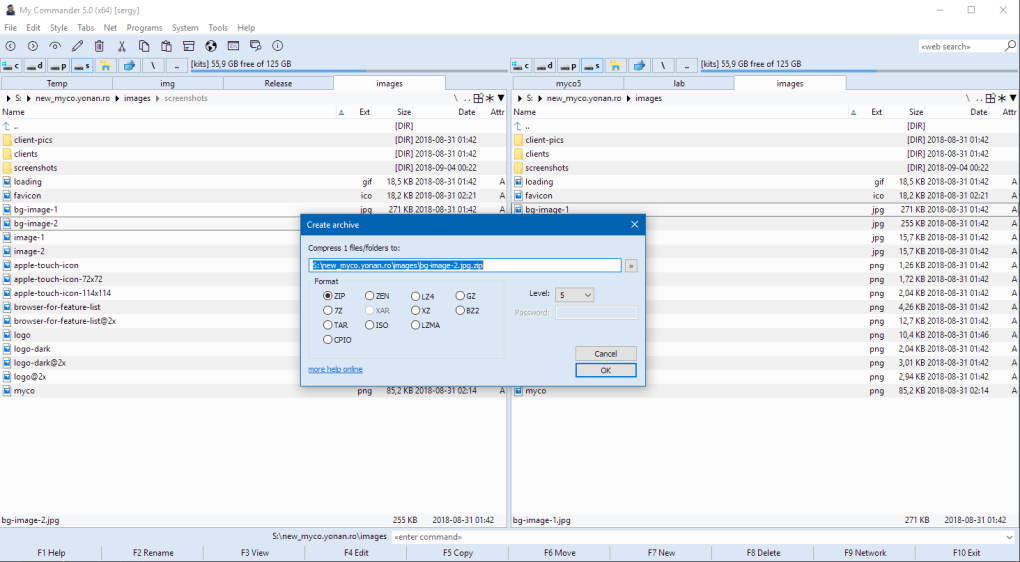
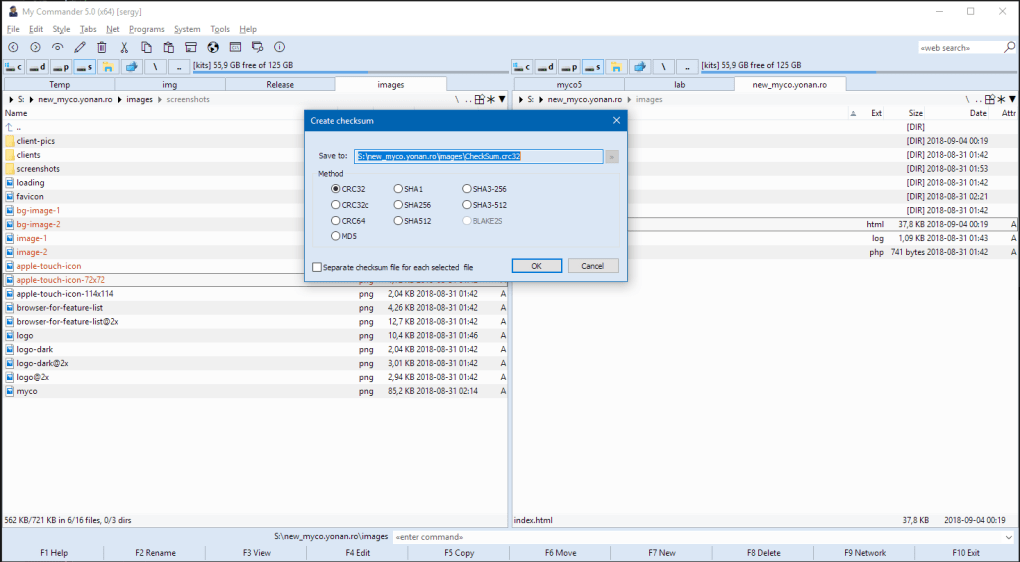
Another highlight is built-in file compression and extraction. My Commander supports common archive formats like ZIP, RAR, 7Z, and TAR, enabling you to create and extract archives without relying on third-party tools. This is especially useful for users who frequently share or back up large datasets. The app also includes a customizable toolbar, allowing you to pin your most-used commands for instant access. Whether you're renaming multiple files, generating checksums, or searching across directories, these tools are just a click away.
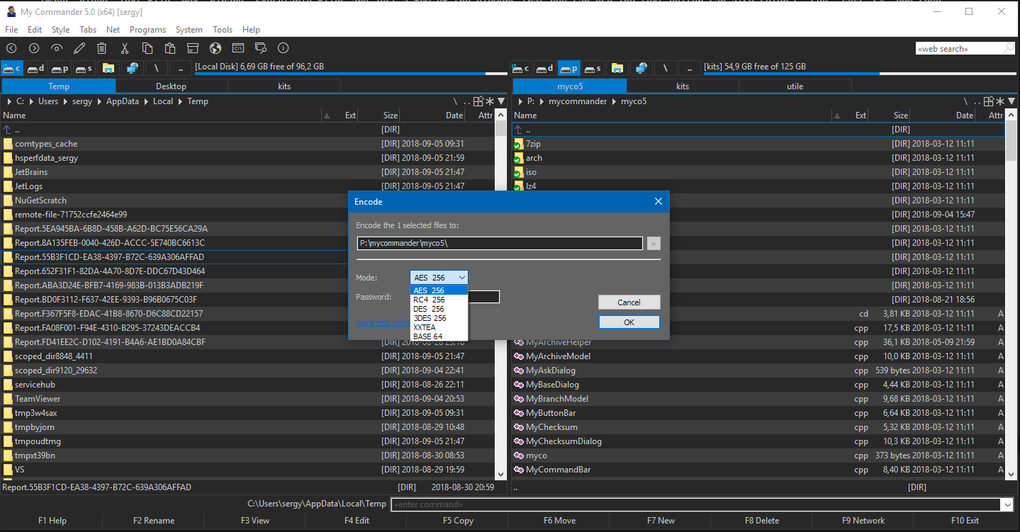
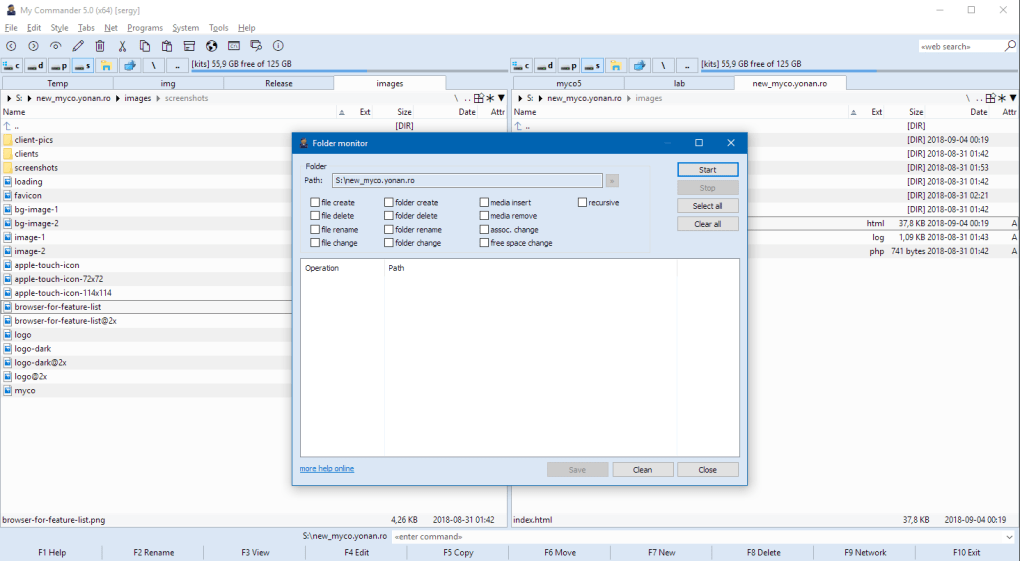
For users who value customization, My Commander offers a highly configurable interface. You can adjust themes, column layouts, and keyboard shortcuts to match your workflow. The app also supports plugins, which extend its functionality even further. With features like quick search, file preview, and folder comparison, My Commander goes beyond basic file navigation. It’s not just a tool – it’s a complete ecosystem for managing digital assets efficiently and securely.
- Dual-pane interface for simultaneous file browsing
- Drag-and-drop file transfers across folders and drives
- Native support for ZIP, RAR, 7Z, and TAR archive management
- Customizable toolbar and keyboard shortcuts
- Lightweight and fast performance on Windows 10 and above
- Open-source with transparent development on GitHub
Easy Installation & Cross-Platform Compatibility
Getting started with My Commander is straightforward and hassle-free. The software is available for download on its official website and trusted platforms like Softonic. The installation process is quick, requiring minimal system permissions and taking less than a minute to complete. Once installed, the app launches instantly, offering a clean, clutter-free interface that’s easy to navigate.
My Commander is designed to run on Windows 10 and above, ensuring compatibility with modern systems. While the primary focus is on Windows, the open-source nature of the project means community-driven versions are available for Mac, Android, and iOS. This cross-platform availability makes it a versatile choice for users who switch between devices or work in multi-device environments.
After installation, users can immediately begin organizing files using the dual-pane layout. The app remembers your recent folders, supports quick navigation, and integrates smoothly with the system’s file system. Updates are delivered automatically through the built-in updater, ensuring you always have the latest version with security patches and performance improvements. The current version, 5.0.0.0, includes several bug fixes and UI enhancements, making it more stable than ever.
For users concerned about privacy, My Commander does not collect personal data or display ads. It’s a completely free and secure tool, ideal for both personal and professional use. Whether you're managing documents, editing media files, or backing up projects, My Commander ensures your data stays safe and accessible.
Pros and Cons: Is My Commander Right for You?
Pros
- Free and open-source – No hidden costs, no ads, full transparency
- Lightweight and fast – Minimal CPU and memory usage
- Dual-pane interface – Enhances efficiency in file operations
- Native archive support – No need for external tools
- Customizable UI – Tailor the app to your workflow
- Regular updates – Active development and community support
Cons
- Limited platform support – Official builds only for Windows; Mac/Android/iOS versions are community-based
- English-only interface – No language localization yet
- Learning curve – New users may need time to adapt to dual-pane navigation
- No cloud integration – Lacks direct sync with OneDrive, Google Drive, etc.
Frequently Asked Questions (FAQ)
Is My Commander free to download and use?
Yes, My Commander is completely free to download and use. It’s an open-source project, meaning there are no hidden fees, subscriptions, or ads. You can use it for personal, educational, or professional purposes without restrictions.
What operating systems does My Commander support?
The official version of My Commander is designed for Windows 10 and above. However, community-developed versions are available for Mac, Android, and iOS. These are not officially maintained but are actively supported by contributors on GitHub.
Can I use My Commander to open and extract ZIP files?
Absolutely. My Commander supports native extraction and creation of ZIP, RAR, 7Z, and TAR archives. You can double-click any archive file to view its contents directly within the app, eliminating the need for third-party tools.
How often is My Commander updated?
The development team releases regular updates, with the latest version being 5.0.0.0. Updates include bug fixes, performance improvements, and new features. The app also features an automatic updater to keep your installation current.
Is My Commander secure to use?
Yes, My Commander is secure. As an open-source tool, its code is publicly available for review, reducing the risk of hidden malware. It does not collect user data or display advertisements, ensuring a clean and safe experience.
Final Verdict: A Must-Try File Manager for Power Users
After a thorough review, My Commander stands out as one of the most efficient and reliable free file managers available for Windows. Its dual-pane interface, fast performance, and robust feature set make it a top choice for anyone looking to streamline their file management workflow. Whether you're a developer managing codebases, a designer organizing assets, or a student sorting research files, My Commander delivers unmatched speed and flexibility.
While it currently lacks full support for Mac and mobile platforms, the open-source model ensures that community contributions will continue to expand its reach. With over 50,000 downloads and a growing user base, it’s clear that My Commander is more than just a trend – it’s a long-term solution for modern file management.
Ready to upgrade your file experience? Download My Commander today and take control of your digital workspace with a free, secure, and powerful tool designed for real users.
Guides & Tutorials for My Commander
How to install My Commander
- Click the Preview / Download button above.
- Once redirected, accept the terms and click Install.
- Wait for the My Commander download to finish on your device.
How to use My Commander
This software is primarily used for its core features described above. Open the app after installation to explore its capabilities.
User Reviews for My Commander 0
No reviews found





